Bb Gradebook: Advantages of Early Set Up
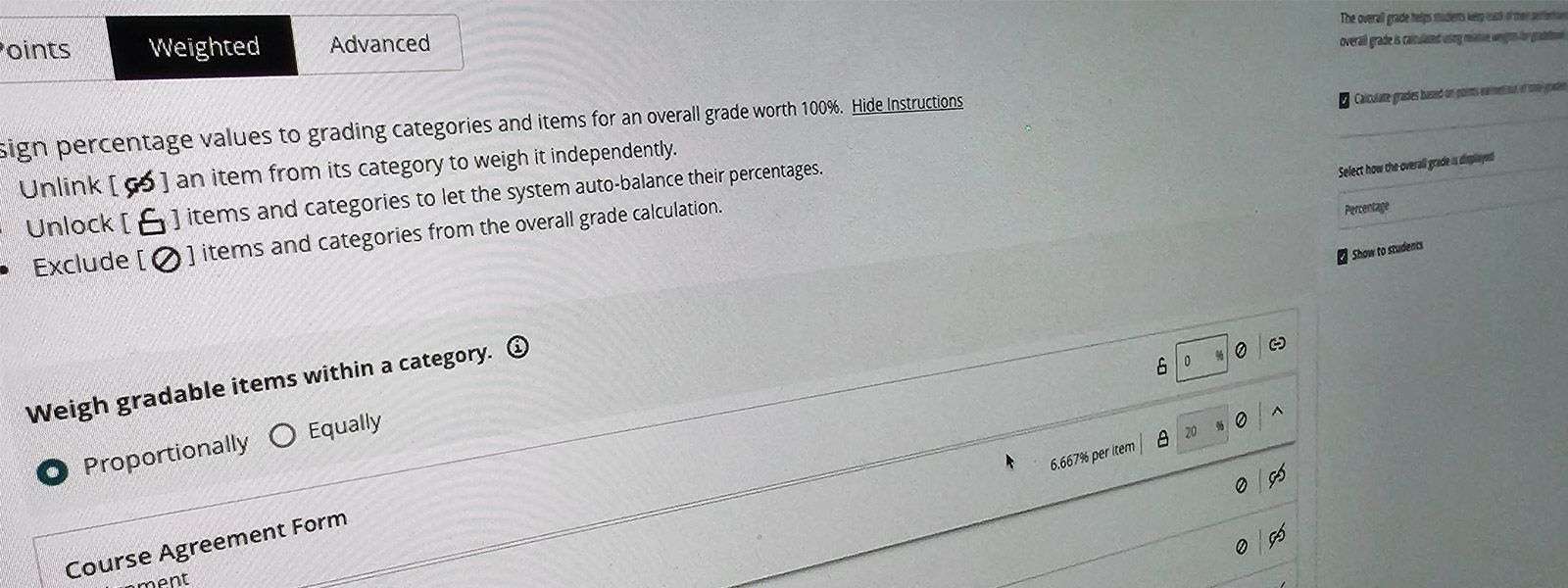
Setting up the Blackboard Gradebook early can make a meaningful difference for higher education faculty, helping courses run more smoothly and supporting strong student outcomes. An early setup provides a clear structure from the very beginning, making it easier to align assessments, learning goals, and grading policies throughout the term.
Benefits
One of the biggest benefits is greater transparency for students. When grade categories, assignments, and weighting are available early, students know what to expect and how their work will be evaluated. This openness helps reduce confusion, lowers the chances of grade-related misunderstandings, and encourages students to take an active role in managing their progress. Seeing how each assignment fits into the overall grade also helps students plan their time more effectively.
Time Savings
Early Gradebook setup can also be a real time saver for faculty. Adding assignments, due dates, and grading rules in advance cut down on repetitive administrative tasks later in the semester. With fewer last-minute adjustments, instructors can spend more time teaching, providing feedback, and engaging with students. A consistent Gradebook structure also helps prevent calculation errors that sometimes occur when changes are made mid-semester.
Alignment with Policies and Guidelines
Another advantage is stronger alignment with institutional policies and accreditation requirements. Setting up the Gradebook early allows faculty to confirm that grading practices match department standards, syllabus expectations, and assessment guidelines. This thoughtful preparation makes it easier to generate accurate reports and respond confidently to documentation or audit requests.
Timely Communication
Finally, using the Blackboard Gradebook from the first weeks of the course supports timely communication and early intervention. Faculty can track student progress right away, notice patterns of engagement or concern, and reach out when support may be needed. These early insights can help improve retention and create a more supportive learning environment.
Supporting Student Success
Overall, taking the time to set up the Blackboard Gradebook early promotes organization, clarity, and efficiency while supporting student success, making it a practical and worthwhile approach for higher education faculty.
DIY resources are listed below. For 24/7 help, contact the SHSU Online Support Desk: https://www.shsu.edu/offices-departments/shsu-online/support-desk/.
Anthology/Blackboard DIY resources (Ultra Course View)
- Gradebook overview & navigation (Ultra) — official guide to the Gradebook views (Overview, Gradable Items, Grades, Students) and posting workflow.
Ultra Gradebook – Blackboard Help [help.blackboard.com]
- Set up calculations, weighting, and the Overall Grade — how to configure points vs. weighted calculations, category weighting, and custom formulas.
Calculate Grades (Overall Grade, Total/Calculation columns) – Blackboard Help [help.blackboard.com]
- Grading schemas (letter grades, percentage, complete/incomplete) — create or customize schemas and apply them to graded items.
Grading Schemas – Blackboard Help [help.blackboard.com]
- Create and configure assignments — adding assignments, due dates, attempts, rubrics, and visibility to students (Gradebook column created automatically).
Create and Edit Assignments (Ultra) – Blackboard Help [help.blackboard.com]
- Progress tracking & Student Progress reports — enable tracking, view per-item and per-student progress to support early outreach.
Progress Tracking and Student Progress Reports (Ultra) – Blackboard Help [help.blackboard.com]